
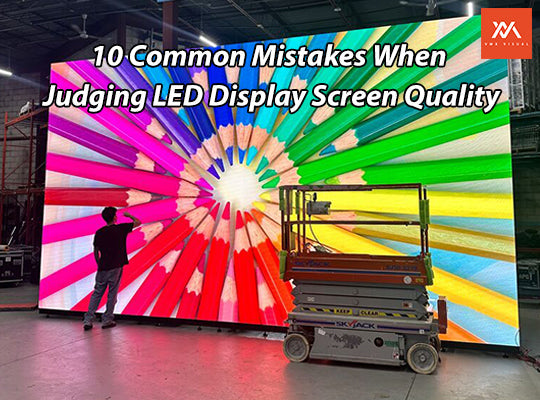
10 Common Misconceptions When Evaluating LED Display Screen Quality — and How to Avoid Them
Contents
- 1. Misconception: The Higher the Brightness, the Better
- 2. Misconception: Pixel Pitch Doesn’t Matter If Resolution Is High
- 3. Misconception: Color Temperature Alone Determines Color Quality
- 4. Misconception: Color Accuracy Can Be Judged by Static Images Alone
- 5. Misconception: The Higher the IP / Protection Rating, the Better — Always
- 6. Misconception: Refresh Rate Doesn’t Matter if Human Eye Doesn’t Detect Flicker
- 7. Misconception: You Can Fully Trust Manufacturer Specs Without Testing
- 8. Misconception: Some Dead LEDs Are Acceptable
- 9. Misconception: Power Supply & Control System Quality Is Secondary
- 10. Misconception: If Specs Are Similar, Just Pick the Cheapest
1. Misconception: The Higher the Brightness, the Better
Many people believe that “higher brightness equals better picture quality and performance,” especially for outdoor use — some insist on over 7000 cd/m² for outdoor screens.
Consequences:
- Energy waste: Excessive brightness increases power consumption and long-term electricity costs.
- Visual fatigue: Indoor brightness above ~2000 cd/m² can cause eye discomfort or glare.
- Reduced lifespan: High brightness accelerates LED aging, shortening screen life.
Correct Approach: Match brightness to the usage environment. Indoor screens: 800–2000 cd/m²; outdoor: 3000–7000 cd/m². Use ambient-light sensors where possible.
2. Misconception: Pixel Pitch Doesn’t Matter If Resolution Is High
Choosing a large pixel pitch screen for close viewing or a small pitch screen for long distance is common but misguided.
Consequences:
- Close viewing on large pitch: visible pixelation, coarse images.
- Far viewing on small pitch: wasted cost; human eye cannot notice extra resolution.
Correct Approach: Optimal viewing distance ≈ pixel pitch (mm) × 3. Example: P2.5 screen ≈ 7.5 m, P5 screen ≈ 15 m.
3. Misconception: Color Temperature Alone Determines Color Quality
Assuming cold or warm color temperature alone defines quality is misleading.
- Cold temperature (e.g., 9300K) may result in blueish images.
- Warm temperature (e.g., 3000K) may yellow whites.
Correct Approach: Use adjustable color temperature (3000–9300K) and color calibration to suit scenes.
4. Misconception: Color Accuracy Can Be Judged by Static Images Alone
Testing only static images cannot reveal dynamic color defects.
- Dynamic content like videos reveals issues like motion color shifts or skin tone distortions.
Correct Approach: Test with dynamic video content at various brightness levels and angles.
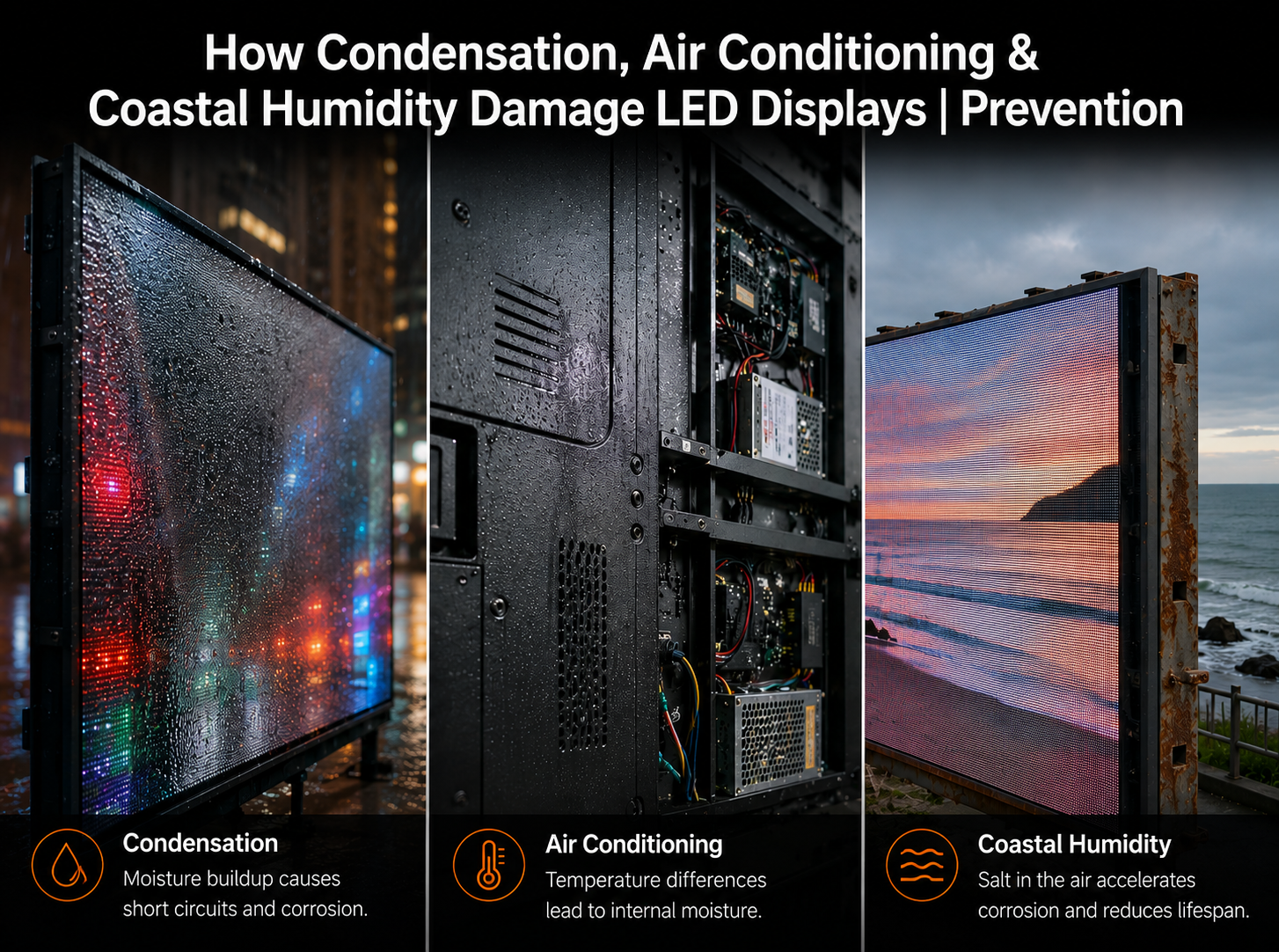
5. Misconception: The Higher the IP / Protection Rating, the Better — Always
Choosing an outdoor-grade IP65 screen for indoor use is overkill.
- Increased weight and thickness, harder installation.
- Reduced heat dissipation indoors, possible faster aging.
- Higher cost (20–30% more than indoor-grade screens).
Correct Approach: Indoor: IP30–IP40 sufficient; outdoor: IP65+, ensure water-seal and corrosion resistance.
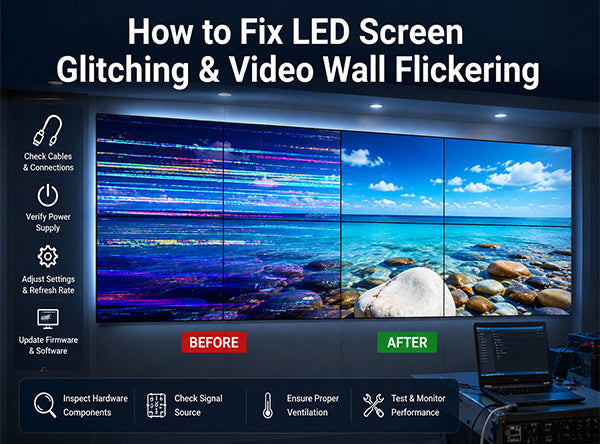
6. Misconception: Refresh Rate Doesn’t Matter if Human Eye Doesn’t Detect Flicker
Low refresh rates may appear fine to the eye but show flicker on cameras or smartphones.
- Low refresh (<1920Hz) causes rolling lines in video recording or live broadcast.
Correct Approach: For filming or live streaming, select ≥3840Hz and verify with real camera tests.
7. Misconception: You Can Fully Trust Manufacturer Specs Without Testing
Manufacturer specs may reflect lab conditions, not real-world performance.
- Some vendors overstate brightness, contrast, lifespan.
Correct Approach: Require third-party test reports; use instruments to verify brightness, color, and refresh rates.
8. Misconception: Some Dead LEDs Are Acceptable
Minor dead pixel acceptance is sometimes claimed.
- High-quality screens should have ≤0.001% dead pixels.
- Excessive initial dead pixels may indicate poor soldering or aging, leading to higher future maintenance costs.
Correct Approach: Inspect full white/black screens; require replacement if exceeding standard.
9. Misconception: Power Supply & Control System Quality Is Secondary
Poor power or control systems can cause flicker, voltage instability, or signal delay.
Correct Approach: Use reliable power brands (e.g., Meanwell), and compatible control systems (e.g., Nova, Linsn) with the display.
10. Misconception: If Specs Are Similar, Just Pick the Cheapest
Choosing lowest price may compromise component quality (LED chips, driver ICs, PCB boards).
Correct Approach: Compare LED brands, ICs, and warranty, balance cost and quality.
Conclusion
To avoid quality pitfalls:
- Match screen specifications to usage environment (indoor/outdoor, viewing distance, purpose).
- Test dynamically with multiple angles and devices.
- Prioritize component quality, craftsmanship, and after-sales support over single parameters.
- Zero tolerance for early defects (dead pixels, uneven brightness) to prevent future issues.


Share:
Venus Lite: Safe, Efficient, and Reliable LED Screen Installation
VMX Visual Showcases Next-Generation LED Display Technologies at 2025 LDI Las Vegas