
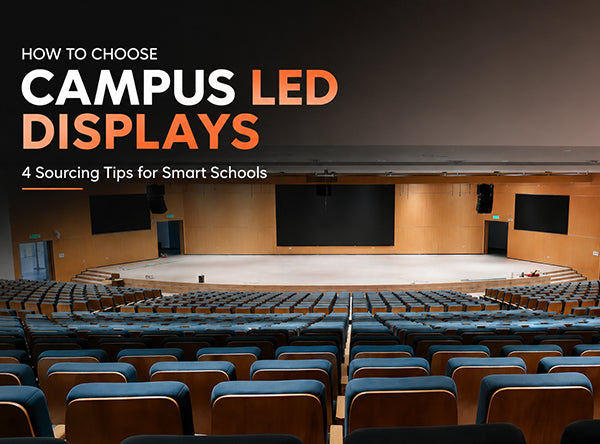
Campus AV Integration Quick Navigation
01 Structural Safety & Armor Protection |
02 Visual Fidelity & Optical Health Parameters |
03 Decentralized CMS & Fail-Safe Operation |
04 Spatial Blueprints & Scenario Tailoring
With the global acceleration of smart campus frameworks and digitized pedagogy, selecting commercial-grade LED display hardware has shifted from a luxury tech upgrade to a critical administrative decision. For educational IT directors, school principal boards, and frontline educators, procuring a digital canvas demands an intricate balance between structural survivability and flawless broadcast fidelity. This technical procurement manual provides a comprehensive blueprint for engineering safety-compliant, high-efficiency, and education-optimized LED display networks within modern educational ecosystems.
The primary engineering constraint of any hardware deployed in K-12 or higher education institutions is the physical environment itself. Educational environments feature dense, high-velocity student traffic where screens are constantly vulnerable to accidental impacts from sporting equipment, backpacks, and corridor collisions. Traditional, fragile Surface Mounted Device (SMD) packaging matrices lacking defensive reinforcement will inevitably suffer broken pixels, leading to progressive circuit failure and skyrocketing maintenance operational expenditures (OPEX).
To mitigate this structural risk, AV procurement teams must prioritize innovative structural armor. Standardizing on next-generation Chip-on-Board (COB) technology or displays equipped with high-impact polymer encapsulation layer coatings creates a ruggedized shield against severe physical impacts. These advanced panels offer deep anti-collision, anti-static, and moisture-proof physical properties, protecting the vulnerable silicone dies beneath.
Furthermore, early spatial planning must optimize mechanical placement. Heavy-traffic arterial paths—such as tight hallway corridors, active gymnasium backdrops, and main classroom aisles—should feature either recessed wall installations or overhead clearances to reduce physical contact vectors. Incorporating rounded, smooth CNC-machined outer chassis frames instead of hard, sharp metal edges further enhances student safety, ensuring full compliance with international public facility safety mandates.
"When upgrading lecture halls or standard classrooms to high-density digital backdrops, standard subframes are insufficient. Utilizing integrated die-cast aluminum or reinforced magnesium alloy cabinets guarantees long-term chassis alignment, preventing panel warping caused by structural shifting or seasonal temperature fluctuations." — VMX Global AV Engineering Division.
Campus digital displays serve multiple educational roles: they act as real-time campus informational bulletin networks, main theatrical event backdrops, and multimedia instructional aids. To effectively deliver data across these diverse functions, three critical optical engineering metrics must be closely evaluated during hardware sourcing:
- Spatial Resolution & Pixel Density: Lecture halls and interactive classrooms demand ultra-fine pixel pitches (typically ranging from P1.2mm to P2.5mm) to ensure small alphanumeric characters, complex mathematical formulas, and scientific diagrams remain sharp and legible from the front row to the back seat.
- Adaptive Luminance Control: Educational displays must dynamically adapt to changing ambient light conditions. While outdoor school campus square displays require high outputs of up to 5,500–6,000 nits to combat direct solar glare, indoor classroom environments require precise dimming ranges (typically calibrated down to 600–1,200 nits) paired with high contrast ratios (minimum 4,000:1) to prevent severe ocular fatigue over multi-hour lectures.
- True-to-Life Color Accuracy & High Refresh Rates: Delivering creative arts, biology modules, and high-definition science media requires wide color gamuts. Driving the system with high-end processing hardware—such as the NovaStar A5S Plus architecture—ensures smooth 14-bit to 16-bit grayscale depth gradients. Paired with a ≥3,840Hz to 7,680Hz ultra-high refresh rate, this configuration completely eliminates rolling scan lines, flickering, and screen artifacting, ensuring clean, eye-safe viewing for students on-site or joining via remote video capture feeds.
The operational efficiency of a campus-wide digital display deployment is heavily tied to the simplicity and capability of its backend control architecture. School IT personnel, administrative coordinators, and teaching staff require an intuitive software environment that does not demand advanced programming skills. The control infrastructure must support native, multi-format media cross-compatibility—allowing users to instantly drag and drop high-resolution images, video files, urgent rolling alert text overlays, and web-hosted emergency notices.
Modern networks benefit immensely from deploying unified, cloud-driven asynchronous control systems. By integrating a centralized management system (CMS), school administrators can oversee all digital assets across multiple buildings from a single interface. This allows campus-wide announcements, emergency evacuation paths, or schedule updates to be pushed instantly to targeted display nodes with a single click. Implementing secure, role-based user access controls ensures that specific departments can manage their respective screens (such as sports statistics in gymnasiums or menus in the cafeteria) while protecting the core operating framework from unauthorized changes or cybersecurity vulnerabilities.
| Campus Scenario Matrix | Optimized LED Technical Configurations |
|---|---|
| Main Auditoriums & Lecture Halls | Large-scale P1.5mm - P2.0mm Fine Pitch, Front-Service COB matrices, ≥3,840Hz Refresh Rate, 160° Ultra-wide Viewing Angles. |
| Outdoor Athletic Tracks & Plazas | High-impact P3.0mm - P4.0mm, ≥5,500 Nits Calibrated Brightness, IP65 Front/Rear Sealed Housing, Die-Cast Anti-Corrosion Chassis. |
| Classrooms & Corridor Informational Nodes | Slim 65mm Ultra-Low Profile Wall-Mount Arrays, P1.2mm - P1.8mm High-Density, Smart Auto-Dimming Sensor integration, Full Front-Access Servicing. |
Educational display engineering avoids a one-size-fits-all methodology. Every independent spatial district within a campus environment dictates its own unique mechanical form factors and performance standards:
In large gathering spaces like grand auditoriums, outdoor campus stadiums, and central assembly plazas, the visual system must emphasize physical size, broad viewing fields, and long-distance legibility. These spaces require large-format display walls that project high-impact content to thousands of concurrent observers simultaneously. Conversely, space-constrained settings like standard classrooms, faculty meeting rooms, and glass-enclosed bulletin cases demand highly integrated, space-saving designs. Selecting low-profile, ultra-slim cabinets that mount flat to wall surfaces optimizes space utilization and maintains clean, uncluttered architectural layouts.
Furthermore, evaluating maintenance access points is essential for long-term usability. Opting for **100% full front-serviceable module structures** allows internal power distribution supplies and driver cards to be unlatched using basic magnetic tools from the front faceplate. This layout removes the need to construct disruptive rear technician access corridors behind walls, saving valuable square footage and allowing technical teams to complete individual component swaps within 30 seconds without interrupting nearby academic activities. All components should be backed by a comprehensive 2-year commercial-grade factory warranty framework to ensure long-term reliability.
Ready to upgrade your institution with long-lasting, safe, and high-performance digital displays? VMX Visual provides high-density fine-pitch systems engineered to elevate modern educational environments.
Q: Why is common-cathode drive technology recommended for indoor school classrooms?
Common-cathode power design supplies voltage independently to the red, green, and blue silicone dies, reducing unnecessary energy waste. This lowers heat emissions from the display surface by up to 10°C–15°C compared to common-anode panels, keeping classrooms cooler, extending component lifespans, and lowering school electric utilities.
Q: Can these displays link with regional emergency alert systems on campus?
Yes. By implementing network-connected asynchronous controllers paired with standard APIs, the display grid can link directly with school sirens and regional weather alert networks. This allows emergency alerts to override standard media playlists instantly across all connected screens during critical situations.
Standards & Regulatory Compliance
- Underwriters Laboratories (UL 62368-1) — Audio/Video and Communication Technology Equipment safety protocols for educational deployments.
- Restriction of Hazardous Substances (RoHS Directive 2011/65/EU) — Certifying full compliance by limiting hazardous lead and mercury components in public school facilities.


Partager:
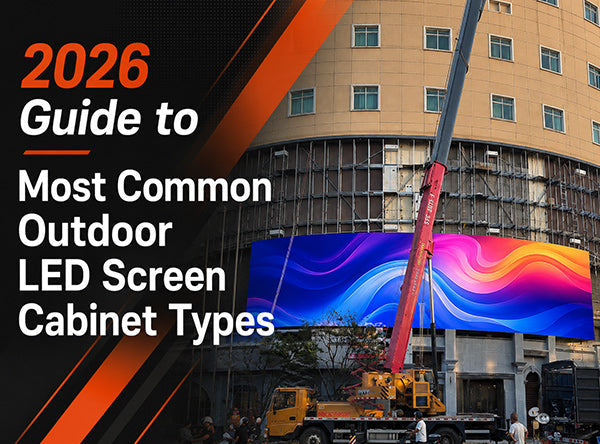
2026 Guide to Most Common Outdoor LED Screen Cabinet Types
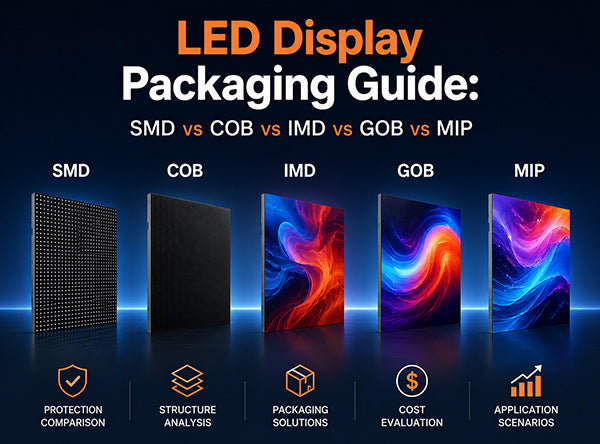
LED Display Packaging Guide: Differences Between SMD,COB,IMD,GOB & MIP